

type
status
date
slug
summary
tags
category
icon
password
1 写在前面
用过
github的小伙伴们都知道,我们可以通过git clone命令来下载整个项目到本地。😘但我最近在使用
github的时候遇到一个问题,就是我只想下载这一个文件,其他的我都不想要。🫠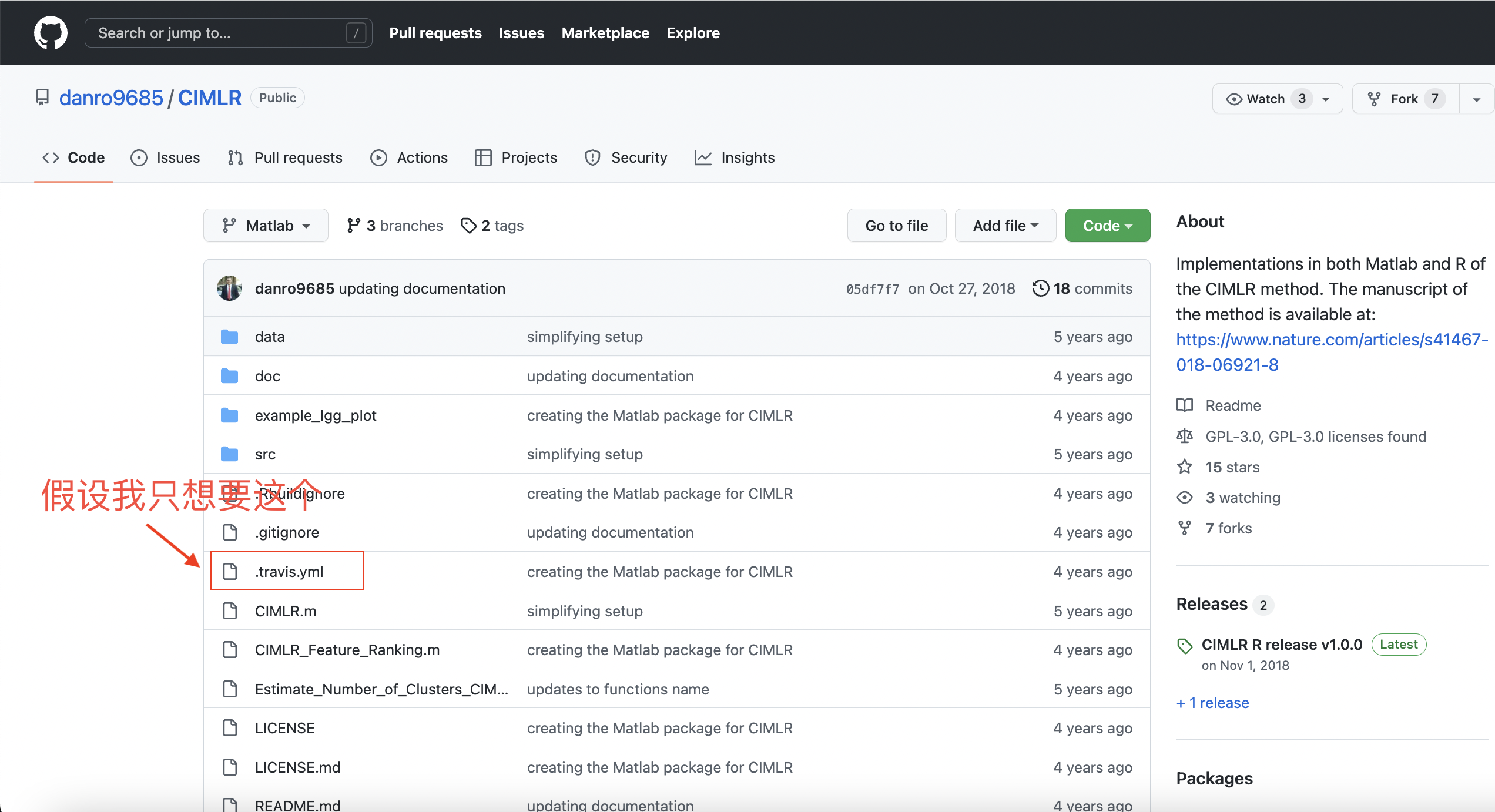
解决方案大家往下看吧:👇
2 解决方案一(raw)
1️⃣ 首先我们点开这个文件,点击
raw。🤜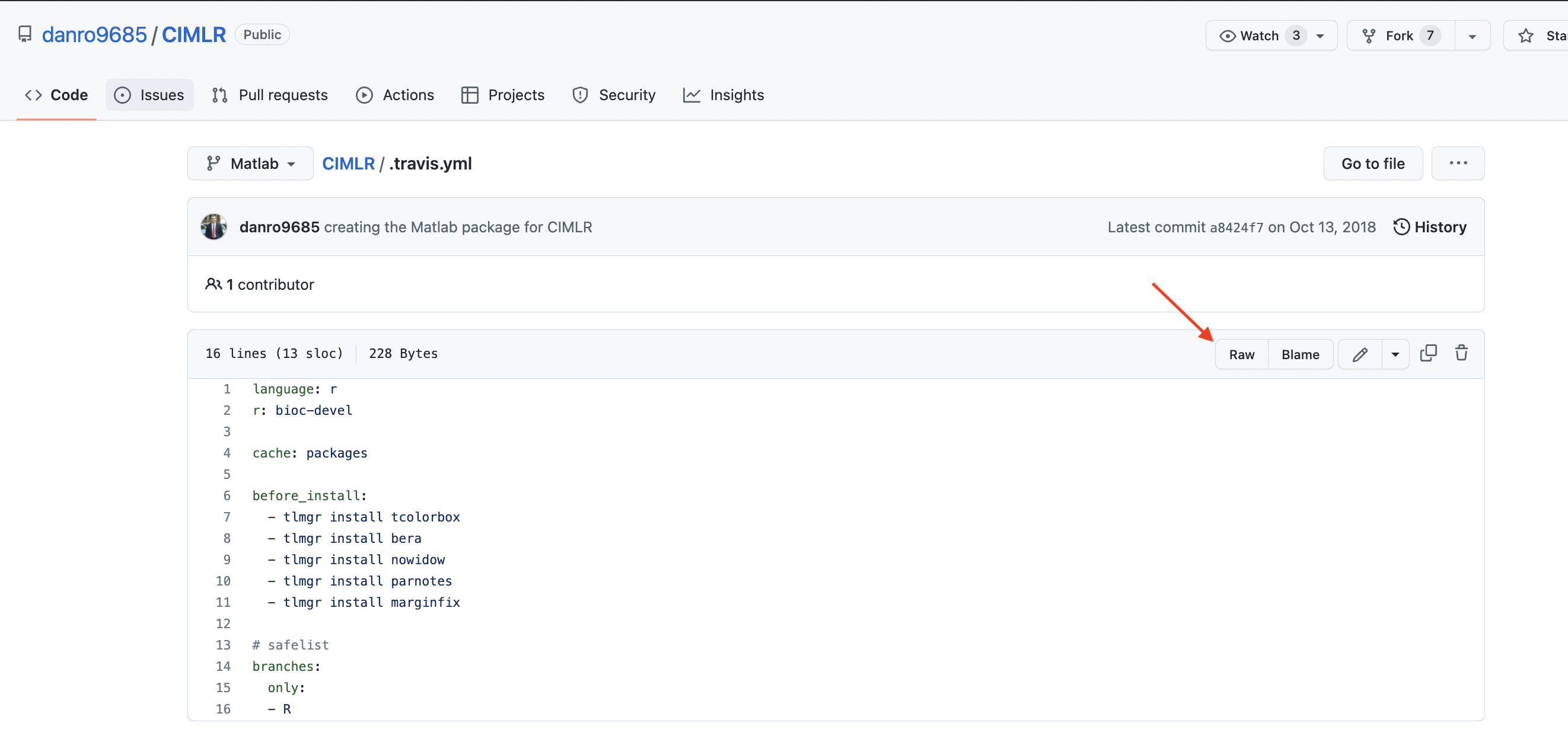
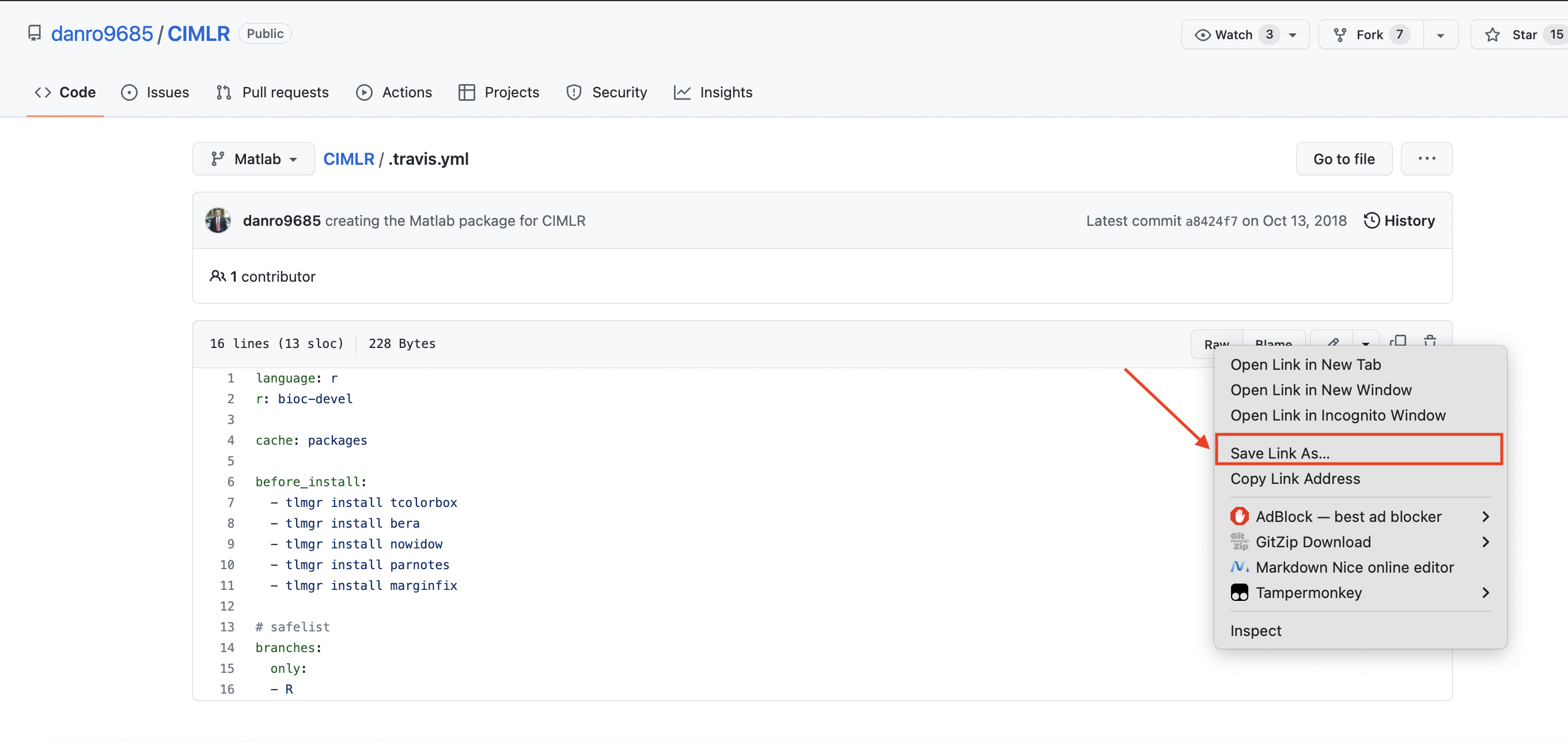
2️⃣ 然后我们右键选择另存为,就可以下载啦。😉
3 解决方案二(GitZip)
1️⃣ 这里我们需要安装一个
谷歌插件
,
。🥰

2️⃣ 这个时候你的
github上的文件前面就会有个小框框啦。🌈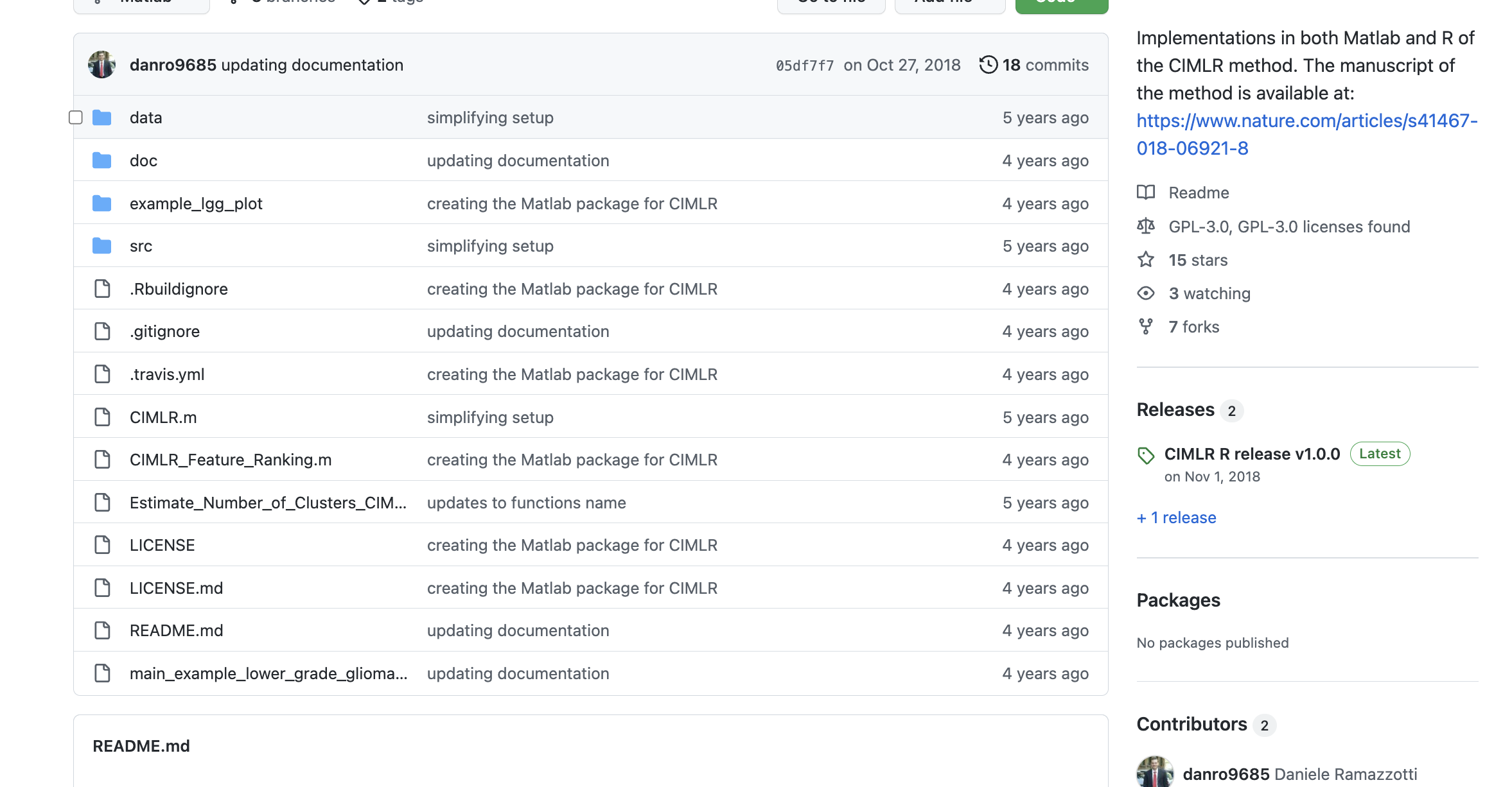
3️⃣ 选中你需要下载的文件或者文件夹吧。😁

4️⃣ 页面的右下角有下载按钮,完美解决!🤟

🌟 补充!这个插件还有在线网站可用:👇
http://kinolien.github.io/gitzip/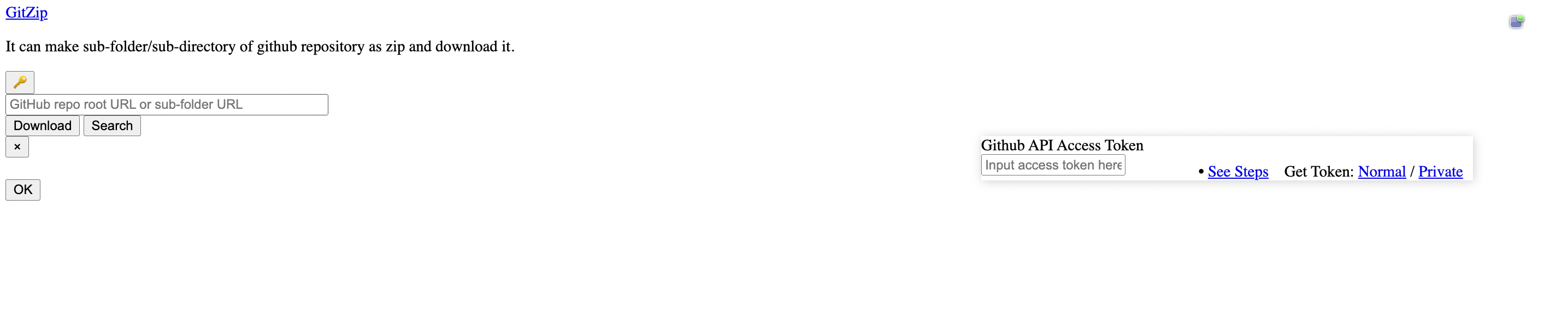
4 解决方案三(DownGit)
这个方法不需要安装任何插件,登陆以下网站即可:👇
https://minhaskamal.github.io/DownGit/#/home
在这里输入你需要下载文件或文件夹的路径就行啦。😘
这里再补充一个类似的网站,上面的网址登不上的时候可以试一下这个:👇
https://blog.luckly-mjw.cn/tool-show/github-directory-downloader/index.html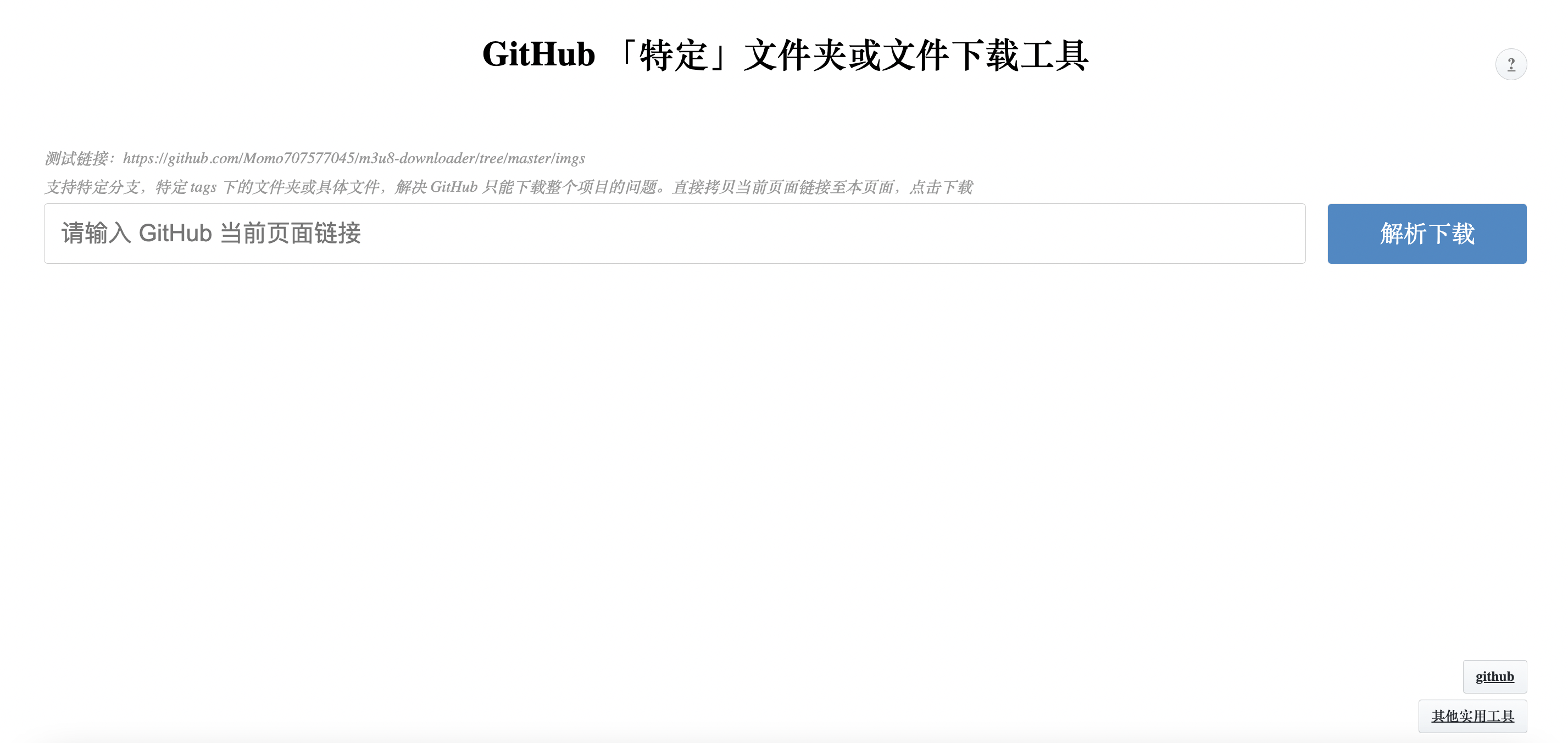
5 解决方案四(SVN)
最后介绍一个通过代码获取的方式。🤒
1️⃣ 首先你需要安装
SVN,这里我的电脑上安装了homebrew,所以直接通过命令安装了哈。🤜2️⃣ 然后你需要定位一下这个目录,复制一下它。👀

3️⃣ 这个时候需要注意了,把
tree 改成 branches,然后执行 svn export:- Author:Vc工具箱
- URL:https://vvocc.com/article/1dac642a-5f71-8150-ad02-c14817f16a4a
- Copyright:All articles in this blog, except for special statements, adopt BY-NC-SA agreement. Please indicate the source!
Relate Posts





.jpg?t=1d9c642a-5f71-810f-81c6-c4e3deae3fa5)